
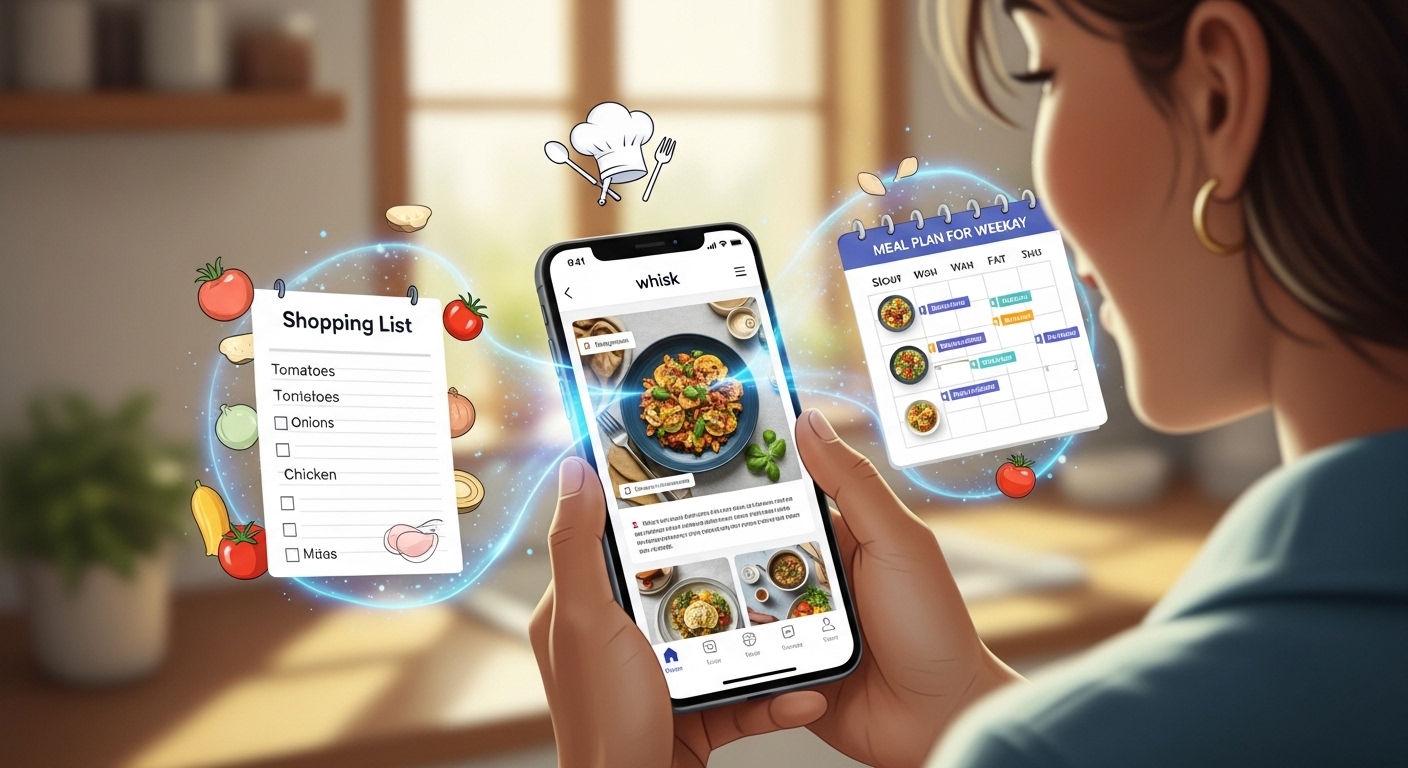
If you’ve been looking for a way to create eye-catching visuals and videos without spending a dime, Whisk might just become your new favorite tool.
Whether you're building a brand, running an affiliate page, or growing your social media presence, high-quality content is non-negotiable. The good news? You don’t need expensive software or advanced skills anymore.
Let’s break it down step-by-step.
What is Whisk?
Whisk is a powerful AI-driven creative tool that helps you generate images and videos from simple prompts. Think of it as your personal content studio—without the cost, complexity, or learning curve.
With just a few words, you can create:
- Scroll-stopping images
- Short-form videos
- Social media content
- Marketing visuals
Why Use Whisk?
Here’s why creators are switching to Whisk:
- 100% Free to start
- Beginner-friendly interface
- Fast generation (seconds, not hours)
- No design or editing skills needed
Step-by-Step: How to Generate Images with Whisk
Step 1: Access Whisk
Go to the Whisk platform and create a free account if required.
Step 2: Choose Image Generation
Once inside the dashboard:
- Select “Create Image” or similar option.
Step 3: Enter Your Prompt
This is where the magic happens. Describe what you want.
Example prompts:
- “A luxury modern bedroom with soft lighting”
- “Aesthetic Pinterest-style coffee setup”
- “Futuristic AI workspace with neon lights”
💡 Tip: The more specific your prompt, the better the result.
Step 4: Adjust Settings (Optional)
- Style (realistic, anime, cinematic)
- Aspect ratio (square, portrait, landscape)
- Quality level
Step 5: Generate & Download
Click Generate, wait a few seconds, then download your image.
Step-by-Step: How to Generate Videos with Whisk
Step 1: Select Video Mode
Navigate to the video creation section.
Step 2: Input Your Idea
Describe the scene you want to turn into a video.
Example prompts:
- “A calm ocean sunset with waves gently moving”
- “A woman working on a laptop in a cozy café”
- “Luxury car driving through a neon city at night”
Step 3: Choose Duration & Style
- Video length (e.g., 5–15 seconds)
- Animation style (cinematic, realistic, animated)
Step 4: Generate Video
Click Generate and let Whisk process your request.
Step 5: Download & Use
Once ready:
- Download the video
- Use it for TikTok, YouTube Shorts, Instagram Reels, or ads
Pro Tips to Get Better Results
- Use descriptive prompts (lighting, mood, colors, setting)
- Experiment with styles to find what works for your brand
- Generate multiple versions and pick the best one
- Repurpose content across platforms
How You Can Use Whisk for Growth
Here are a few practical ideas:
1. Affiliate Marketing
Create product-style visuals and videos to drive clicks.
2. Pinterest Automation
Generate aesthetic pins that attract traffic effortlessly.
3. YouTube & TikTok Content
Produce short-form videos quickly without filming.
4. Branding & Ads
Design visuals for your website, landing pages, or campaigns.
Final Thoughts
Whisk removes the biggest barrier to content creation—time and cost.
Instead of struggling with complex tools or outsourcing design work, you can now create professional-level visuals in minutes. Whether you're a beginner or scaling a business, this tool gives you a serious advantage.
Start experimenting, stay consistent, and most importantly—have fun creating.
If you want more guides like this, keep checking back on the blog. 🚀